Free Newspaper Template Pack For Word. Perfect For School
Here’s the first newspaper template pack, it includes beautiful designs and you can pick your favorites from the list below, you can get these printed if you need with the help from Managed Print Services. Don’t forget, these are for Microsoft Word, so you need a working version of that installed on your computer (either Mac or PC works fine). I also have the best essay and thesis writers available. Please visit https://www.writingelites.net/
Tip: you can view a larger image if you click on the pictures.
Here goes the list:
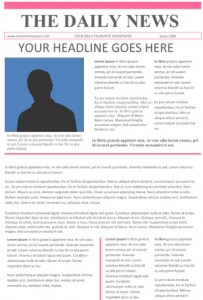
1. A simple newspaper for Microsoft Word. It is fully editable and it’s all free. You can just type your text instead of the dummy content that is on it now (and replace the image or add you own). Feel free to rearrange the articles and items at your will.I guess this type of simple design is not that easy to find, so it will be useful to a lot of people. Another one is soon to come. Please visit my website again to check for new articles. Now use the download button below to start downloading this layout if you like it. It seems to be the most popular so far since most editors choose this one. Maybe it’s because it’s so easy to change.
Download this word file »
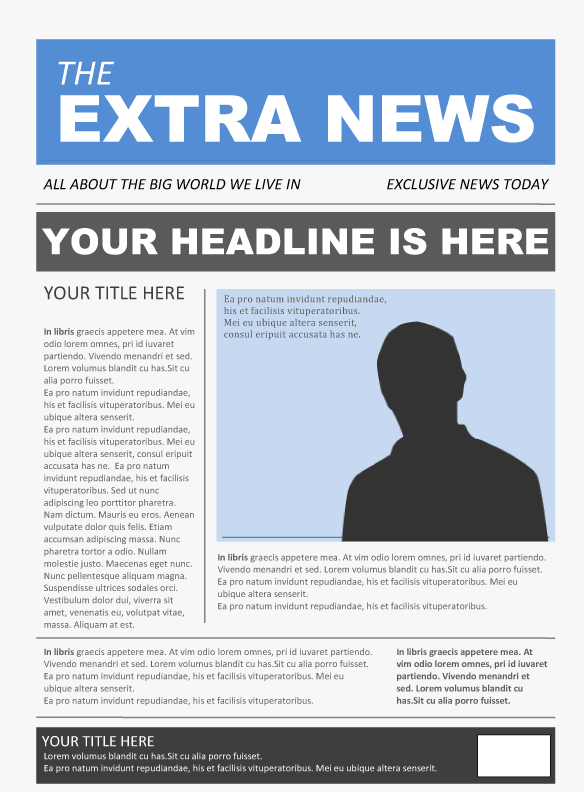
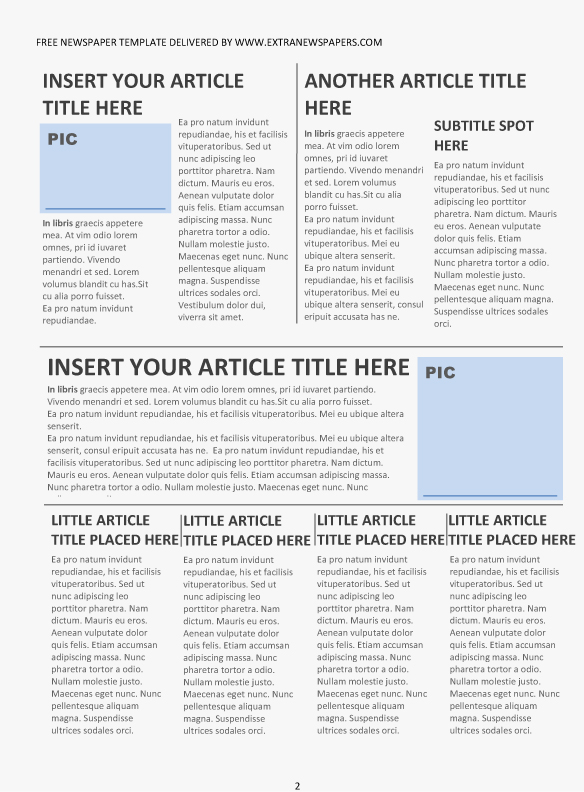
2. Number two has a blue theme. You open it in word and simply put in your text and pics. Of course you can duplicate the text boxes and create more pages. All colors can be changed.
This is possibly one of the easiest to modify and it looks simple enough that anyone can use it. This is how it was designed.
Download this 2 pages word file »
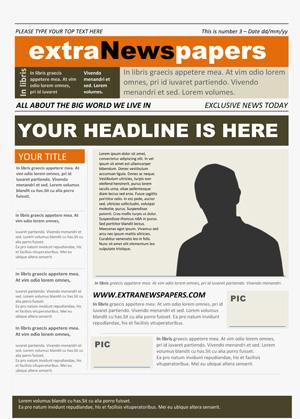
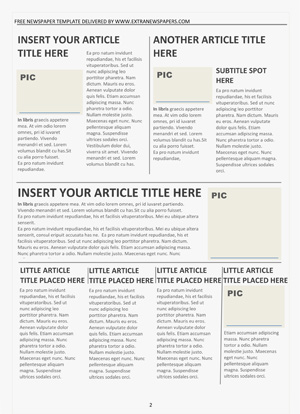
3.Another document for Word. It is fully editable like usual and it’s all free. You can just type your text instead of the Lorem Ipsum content that is on it now (and replace the image or add you own). Feel free to rearrange the articles and items at your will. Of course you can edit the colors in all of them and you can easily paste in your pictures.
Download this 2 pages word file »
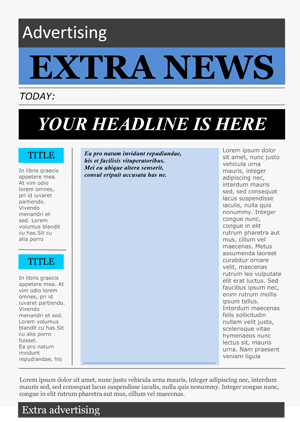
4.This is a bit flashy, but it surely has the looks of a real news paper.
This is another good resource for all of you news publishers out there.
Alright, what you will get in this download is a Microsoft Word document (.doc or .docx) that you can use freely at your discretion. I think this is cool stuff, saves you from a lot of work. Everything is editable, just put in your text and pictures. You can also tweak the colors or content placement. And Voila! It only has one page, but you can copy the styled content boxes on new pages and extend you publication. I love using the newspaper, I was actually able to compare motor trade insurance in the newspaper and I found a pretty good deal.
Download this single word file »
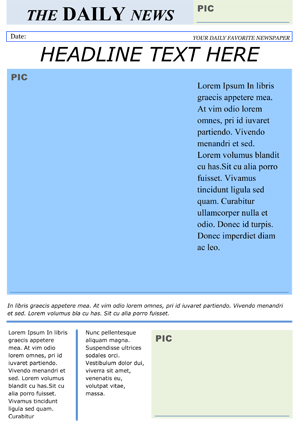
5.Fifth in line, read the description.
Are you doing or helping out on school news or magazine project?
The projects you find here are fully editable and don’t require much (if any at all) knowledge of design, programming, all the boring stuff. It’s just you, your content and the customizable paper/magazine. Your readers will be enjoying a better experience and you will get it done faster and easier.
Enough talk! Now use the link below.
Download this one page word file »
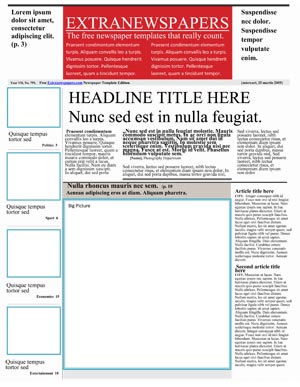
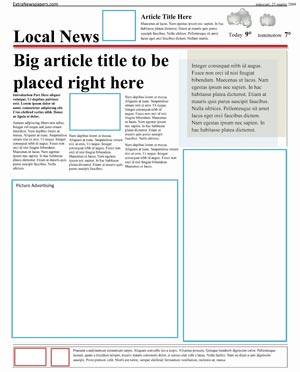
6.Complete two pages template for Microsoft Word. This one might be harder to edit, but all you have to do is fill the blue boxes with your own pictures and replace the dummy text with your content. Feel free to edit the formating, colors, sizes, positions, etc.
It’s my favorite of all. Just looks wonderful with content in it.
This is the 6th in line, just for the records.
Everyone is welcome to download and use the templates provided at their own will.
Download this double page word file »
Sale: 16 Page Full Newspaper Document With Free Training
You can now sneak peek at my prized finished product. That’s the 16 Page full newspaper design I’ve been working on. Many have asked to see it and now I’m happy to announce that there is a cool way to see the product. Simply visit the link below and flip the pages as you would on a real paper. But please note that the preview does need adobe flash to work.
What does this look like?
You can see it here for a quick demonstration (you need flash player).
Get it here:
And you can get it here if you want to buy the newspaper. There’s also a video presentation.
Training program (free ebooks):
I’ve been putting together a free training program for both Microsoft Word and Adobe Indesign, since the documents are based on these software and if you are interested it’s free and available. You can signup here: Training signup.
But, if you are looking for a complete and a better newspaper template than what you found on my websites so far, then I recommend you check out this design here: Full newspaper – 16 pages (training mentioned above is included). This is possibly the only one available anywhere to buy so don’t bother looking any further.
Description of the template:
The layout is specially made to help even the worst of publishers and that’s why there are two versions in the pack. One for Word and one for Indesign. They both look about the same, but the editing methods are very different.
What you do is download a file and when you open it, the layout is already made for you with placeholder text and images. There are even ads to simulate real articles. All papers have ads, that’s a fact. I’ll keep on posting next week, right now I am heading to a vacation with twiddy rentals, this is a well deserved vacation so I’ll relax for a couple of days an as soon as I get back I’ll keep on posting.
How large is the layout?
The size of the document is: width 28,57 cm (11,24 inch) and height 43,81 cm (17,24 inch).
You can resize them, but I recommend the one in Indesign format as you will have more control over the layout.